
User guide · version 0.4.1
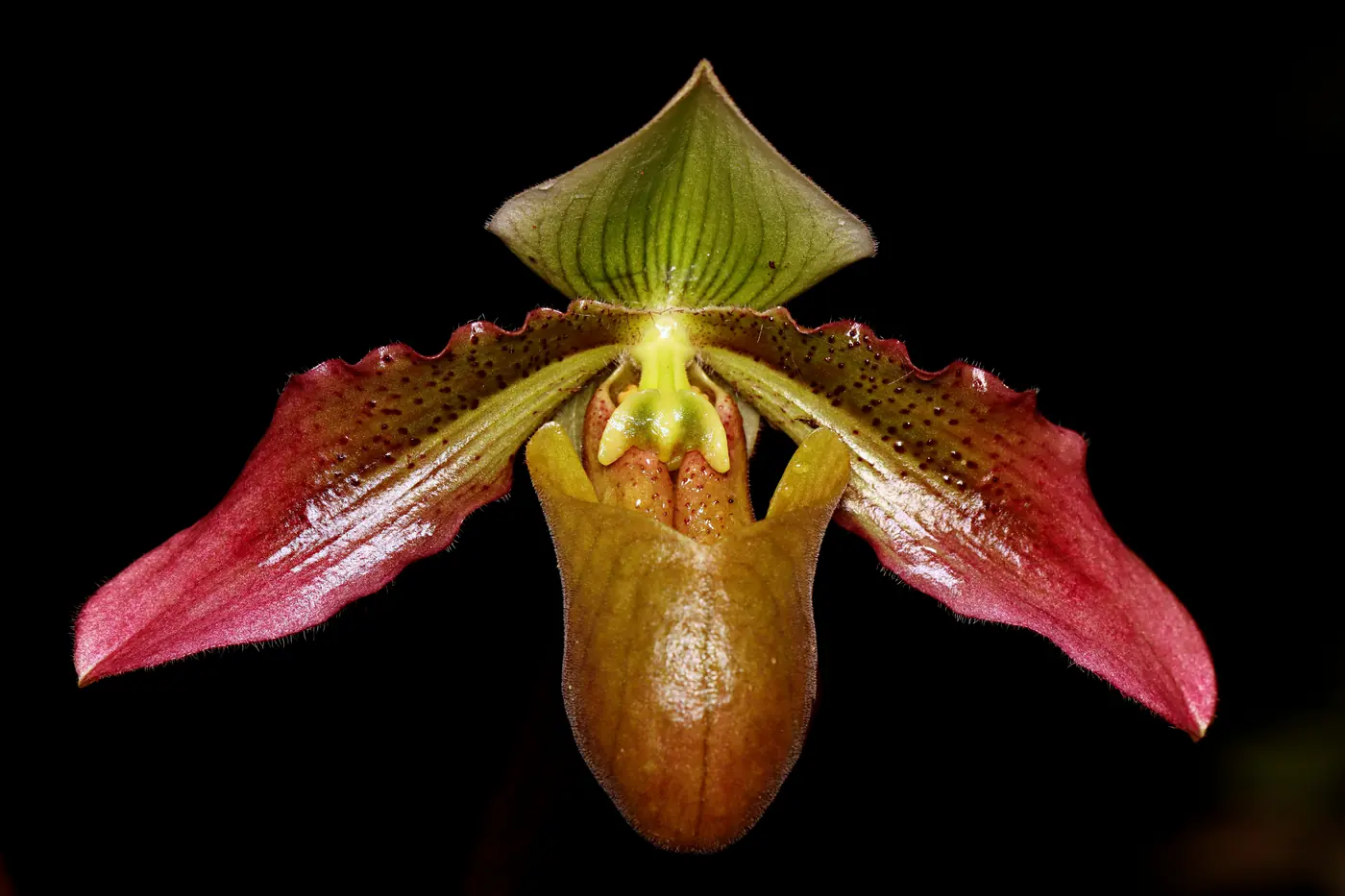
Paphiopedilum papuanum · Photos: Reza Saputra
Pustaka Biodiversitas, step by step.
Everything you need to know to compile, check and publish biodiversity data on macOS and Windows, with numbered screenshots.
The workflow in six steps
The most common order, from a freshly installed app to a published website of information pages. Each step opens its guide page.
- Install & create a projectDownload the app, open it, then create a new project or try the sample project.
- Learn the layoutThe Topics, Entities, editor, bottom and Properties panels.
- Add entitiesType names one by one, paste a list, or import from Excel.
- Fill in topics & mediaWrite the description, habitat and distribution, then add photos.
- Check names & statusMatch against POWO, GBIF, IUCN, P.106/2018 and CITES.
- PublishA website, a PDF book, Word, or a Darwin Core Archive.
All guide topics
Getting started
Installing & getting startedDownloading, installing and opening Pustaka Biodiversitas for the first time.Trial version & licenceTrial version limits, activating a licence code, and moving a licence to another computer.Buy a licenceChoose a licence type, add it to your cart and send your order. Payment and activation are processed manually.The app layoutGetting to know every part of the Taxa & Topics workspace.HomeThe project overview: statistics, highlights, completeness and things that need attention.Building content
TaxaAdding, editing, filtering and deleting taxa, including bulk actions.Topics & editorCreating topics, writing text, the full-page view, version history and subsets.MediaAdding images, video, sound and documents; setting the main image, properties and licences.GlossaryTerm sets, aliases, definitions and automatic links in exported websites.Online data
Name checks & conservation statusChecking scientific names against POWO, GBIF, WoRMS and Catalogue of Life; IUCN, P.106/2018 and CITES status; online photos and occurrences.Occurrences & mapsObservation records, importing occurrences, distribution maps and the interactive map.Import & export
Importing dataBringing in data from Excel/CSV, Darwin Core Archive, XML and occurrence lists.Data Extraction (OCR to table)Transcribe & parse: turn protologues and other documents from PDFs, photos or Word into Excel/CSV tables.Export & publishingPublishing websites, PDF, Word, Darwin Core Archive and other data formats; preview and templates.Quality & tools
Reports & data qualityData problems, media usage, occurrence quality, ad hoc reports, and find & replace.AI Assistant & MCP serverAsking the AI assistant questions and giving it tasks with your own API key, a local model, or through MCP.Settings, backups & updatesProject info, appearance, web services, templates, conservation status, licence, automatic backups and app updates.Keyboard shortcutsEvery keyboard shortcut on one page.FAQ & common problemsSolutions to the most common problems.Legal
Photo & data licencesHow to use photos and data from iNaturalist, GBIF, Wikimedia and other sources correctly, including the commercial-use ban on NC licences.Privacy policyWhat data is stored, when the app connects to the internet, and where data is sent.Licence agreement (EULA)The Pustaka Biodiversitas End User Licence Agreement.Tip: Press / on any page to search the guide. In the app, press ⌘K for global search and ⌘/ for the list of keyboard shortcuts.