
Glossary
Term sets, aliases, definitions and automatic links in exported websites.
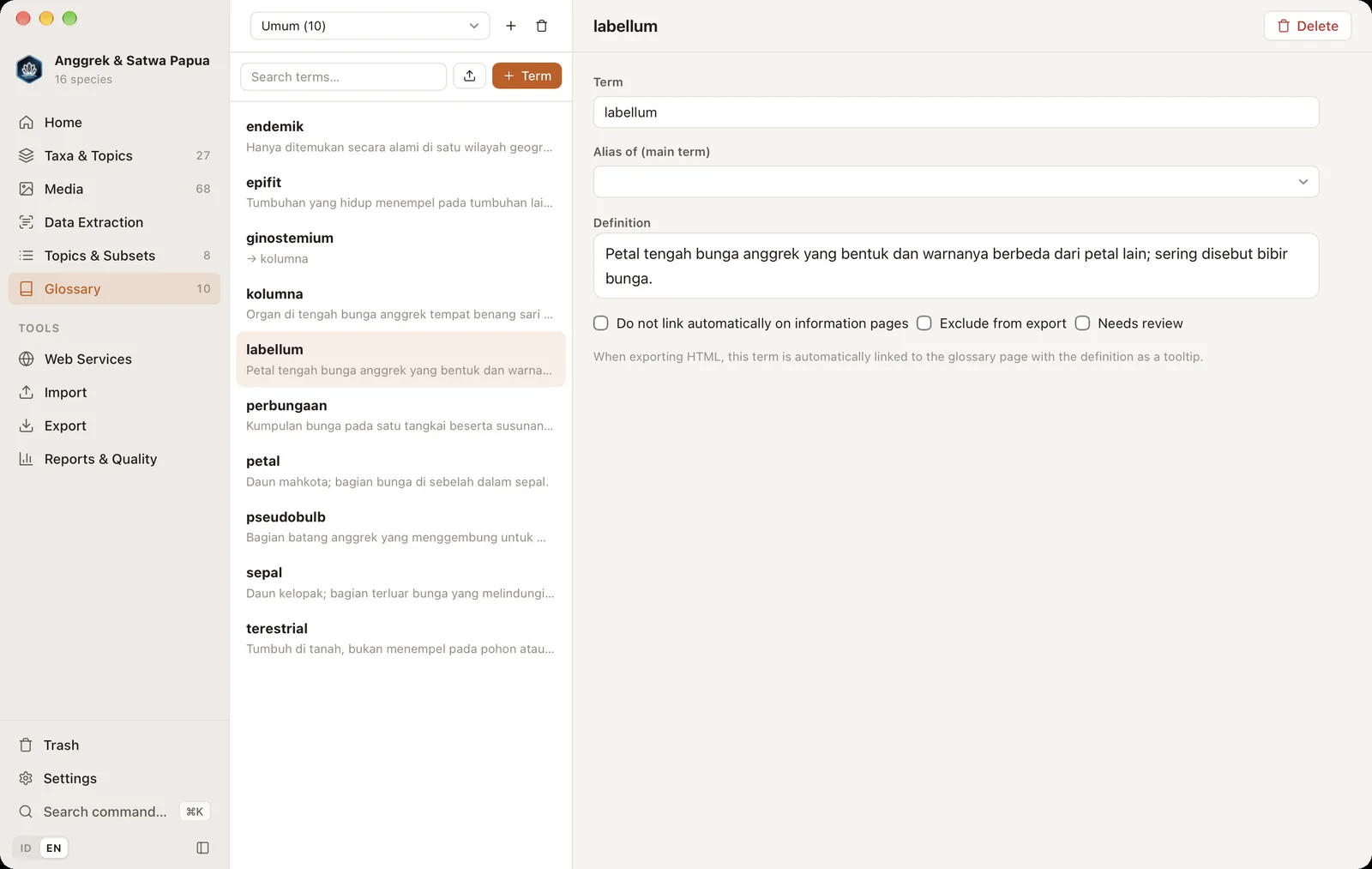
The glossary (⌘5) stores technical terms and their definitions. In HTML website exports, terms that appear in topic text are linked to the glossary page automatically and show their definition on hover.
Term sets#
Terms are grouped into sets, such as "Orchid morphology" or "Ecology". Choose a set in the menu at the top. The + button creates a new set and the trash icon deletes a set together with its terms.
Adding terms#
- Click + Term.
- Fill in the Term and Definition.
Options per term: Do not link automatically on information pages (for words that are too common), Exclude from export and Needs review.
Aliases#
An alias is another word for the same term, for example lip → labellum. Create a new term, then choose its main term under Alias of (main term). On the website, aliases are linked to the main term's definition too.
Importing terms#
The upload icon next to the search box imports terms from CSV or Excel with term and definition columns.