
Importing data
Bringing in data from Excel/CSV, Darwin Core Archive, XML and occurrence lists.
The Import page (⌘I) brings in data from other files. Before a large import the app always makes a database backup. Entities whose names already exist are merged, not duplicated.
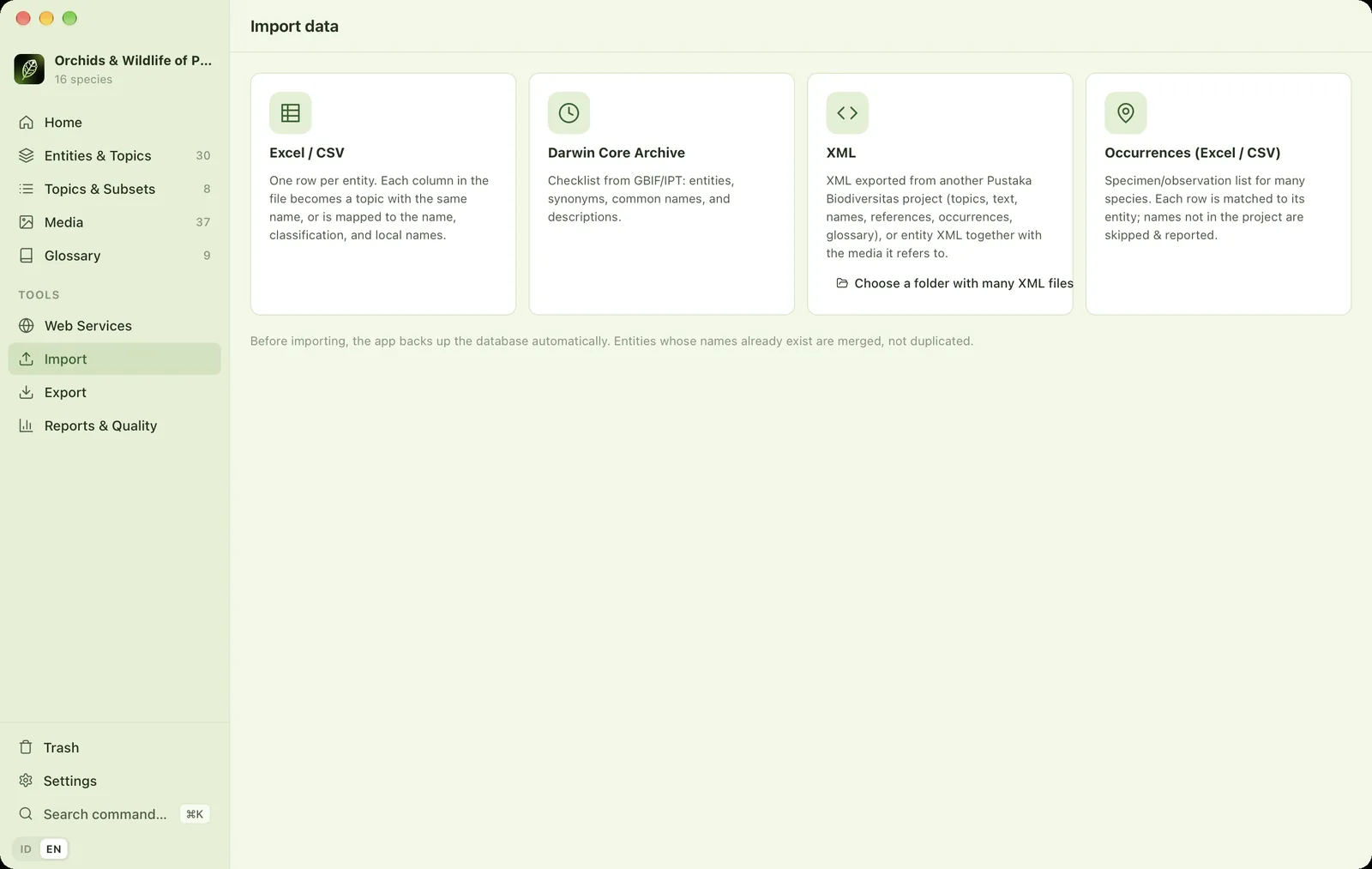
Excel / CSV#
One row per entity. A column-mapping wizard guesses what each column means:
- Known columns, such as scientific name, family, author or common name, are mapped to entity fields.
- Other columns automatically become new topics, with a name and field type guessed from their contents (text, number, choice, date).
- Cells formatted as HTML, such as italic scientific names, are cleaned.
- Columns that are completely empty can be dropped.
- The Complete classification (GBIF) option fills in kingdom → family after the import.
When finished, a summary shows how many entities were created, updated and skipped, with a View entities button.
Darwin Core Archive#
A checklist .zip from GBIF or an IPT. Entities, synonyms, common names and descriptions are imported.
XML#
A single XML file, or a folder of many XML files. Supports XML exported from other Pustaka Biodiversitas projects (round trips without losing data) and entity XML together with the media it refers to.
Occurrences#
Lists of specimens or observations for many species. See Importing occurrences.